Research by People
The People field appears in all four catalogs and is used to identify people who appear in photographs or are associated with archival materials, objects or library books. When entering peoples' names in the catalog records, they should be entered in the format Last name, First name. Separate each name with a carriage return. When the record is saved, PastPerfect will automatically add the names to the People authority file.
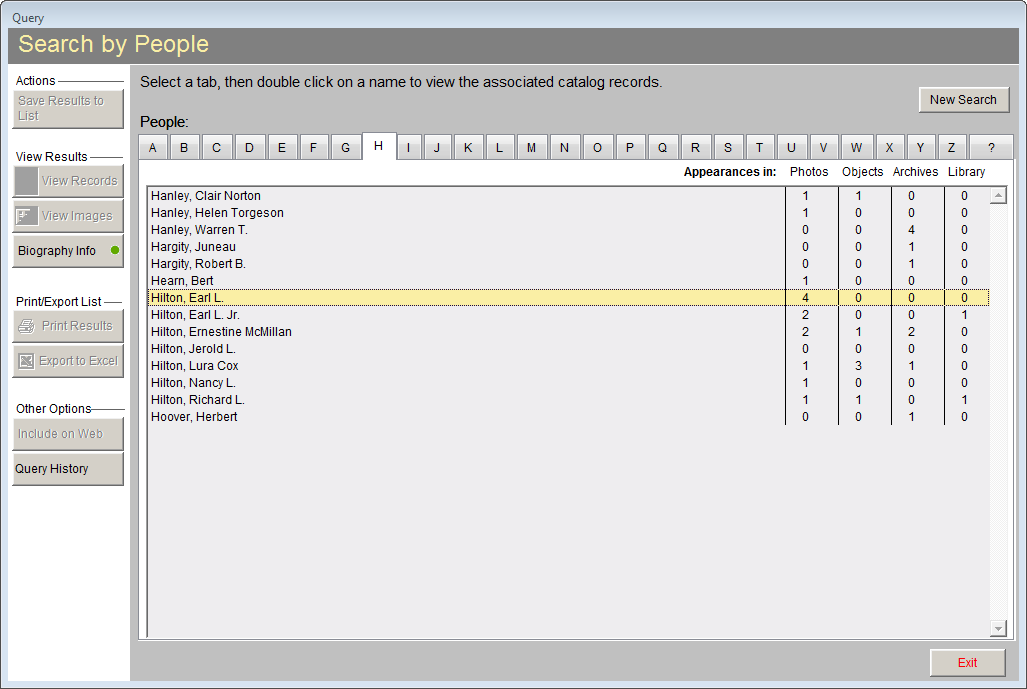
The Research By People screen will display the People authority file. This authority file appears as a rolodex with columns for names and numbers of times the name appears in each of the four catalogs.
To view the catalog records associated with any of the names on the list, double click on the name.
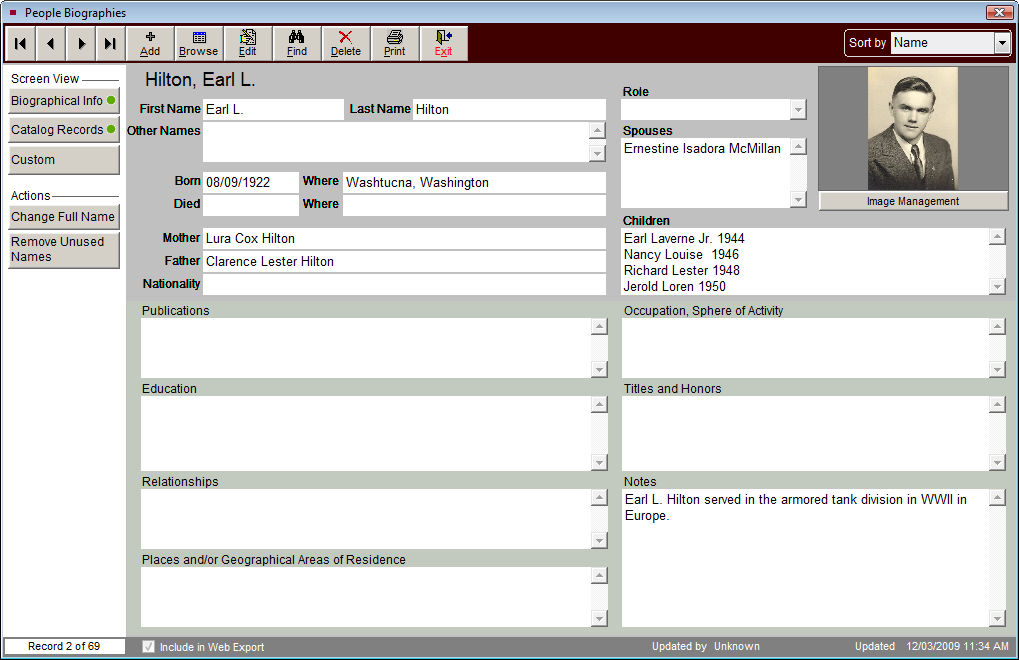
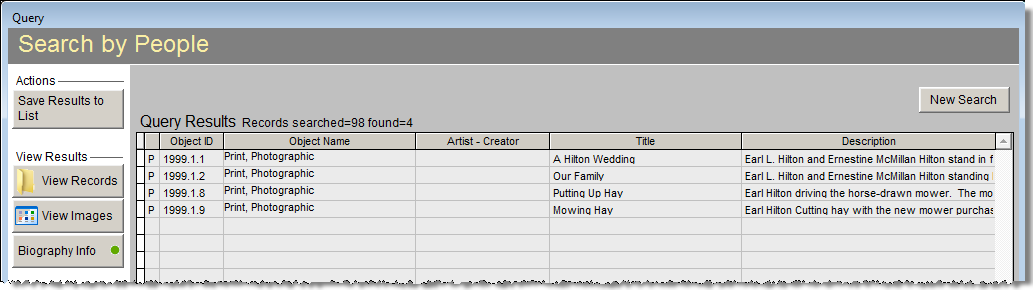
When the search is complete, all of the viewing, printing, and exporting options are available. An additional button titled Biography Info is included in the View Results section of the Sidebar. If biography information has been entered in People Biographies for the name searched, a green data light will appear on this button. For more information on the People Biographies screen, please see Chapter 16 - People & Sites.
Search by People
People Biographies may also be accessed from the People & Sites section on the Main Menu. Instead of using Research | By People, you can use People Biographies to perform searches. By clicking the Find button in the top Navigation Bar, you can locate People by the following fields: full name, last name, first name, other name, birth date, birth place, death date, death place, father and mother.