Reports
The Reports screen (accessed from the Main Navigation Bar) lists all reports by default, displaying the report name, its group, and a brief description. You can narrow down the list of reports by clicking on one of the Report Groups on the left: Collection Reports or Development Reports.

Click the report name to run it. Some reports have a selection screen where you can specify additional criteria or set a sort order before previewing.
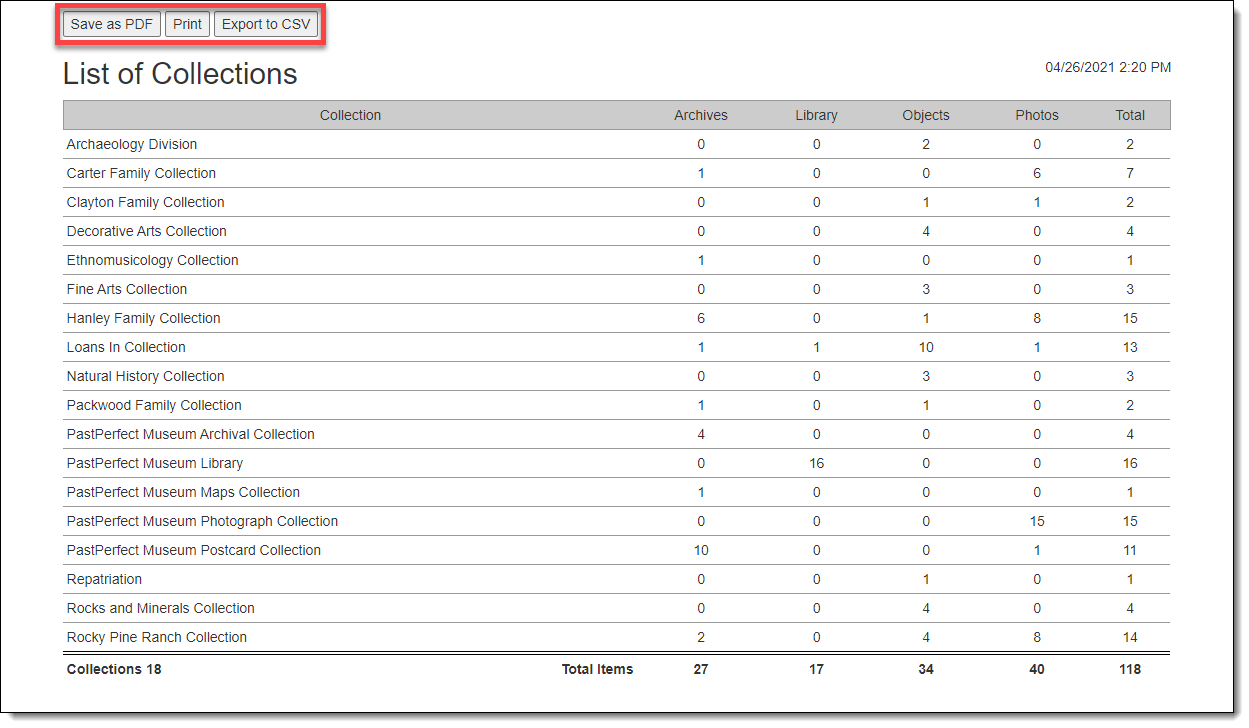
On the report preview screen, you have the option to save the report as a PDF, print it, or export it to CSV.