Random Images
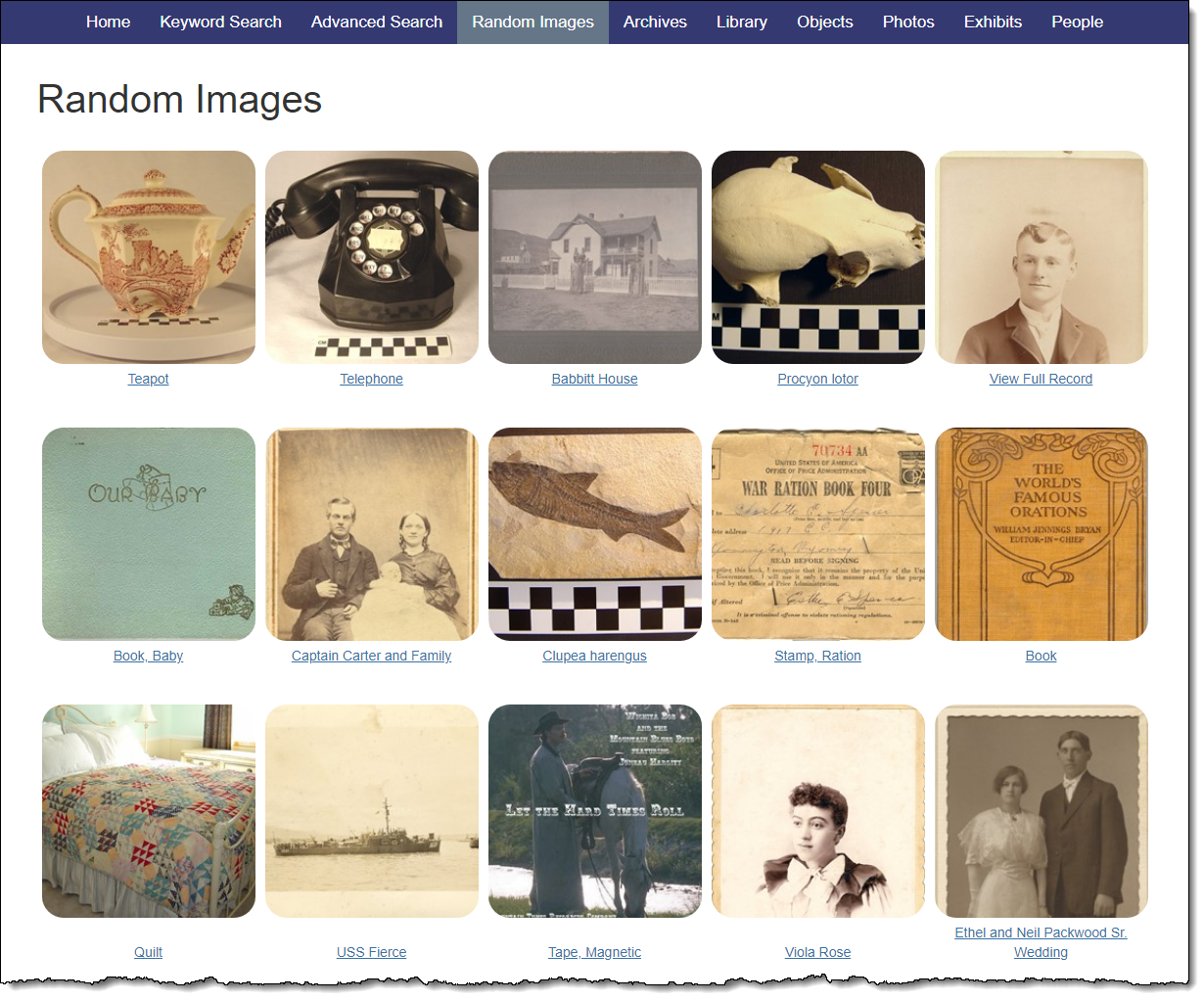
The Random Images section of your Public Access site allows visitors to explore your collection even if they don't have a specific search criteria in mind. By default, Random Images includes the first image attached to your catalog records from all four catalogs. The catalogs included in Random Images can be specified on the Keyword Search & Random Images accordion under Public Site Settings.
On Random Images, users may click on a thumbnail image to view the full image. From the image viewer, it is possible to scroll through other images in Random Images using the next and prior arrow buttons. At the bottom of the image viewer, you can click "View Image Metadata" to be taken to the image's metadata information, click "View Catalog Record" to open the item's full record, or click "Request Image" to open the Image Request form if enabled.
The hyperlinks below the thumbnail images display the first field of data selected for that record type, and when clicked, they will take visitors to the item's full record. If there is no data in that first field, "View Full Record" will display as the hyperlink. The hyperlinks can be hidden using the option available on the Keyword Search & Random Images Accordion.