Selecting Catalog Records from Catalog Lists
Concept
A Catalog List consists of records that have been added through the
use of PastPerfect's Research functions or by individually placing these
records on the list. Once you have placed a group of records on a Catalog
List, you have the ability to mark all list records as "Include in
Web Export".
Task
- Click the Catalog Lists button on the Main Menu of PastPerfect.
- Select the catalog list you want to include for web publishing.
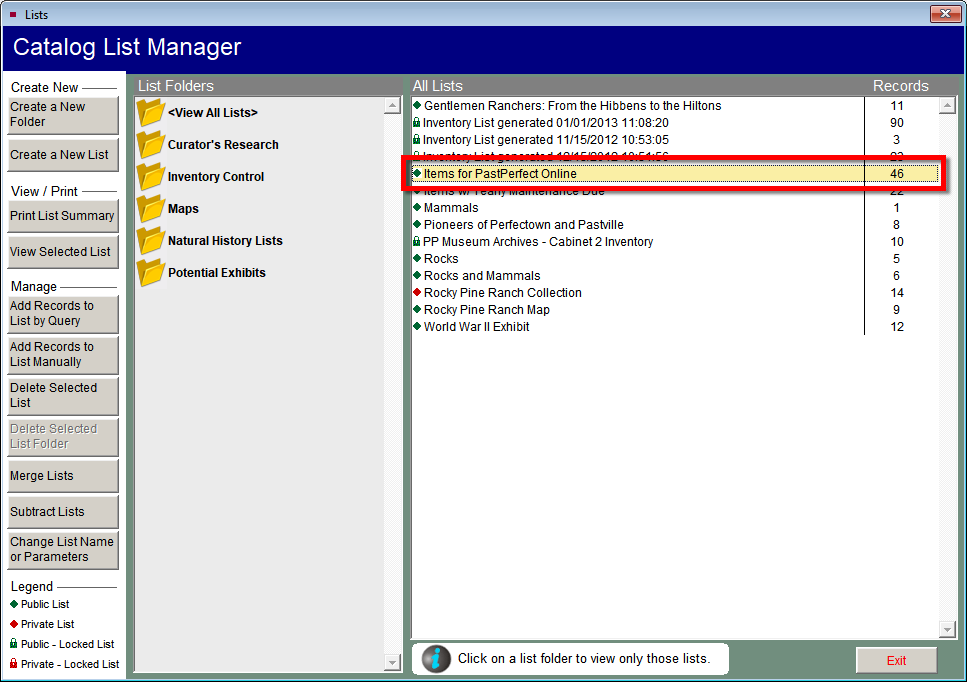
- Click the View Selected List button.

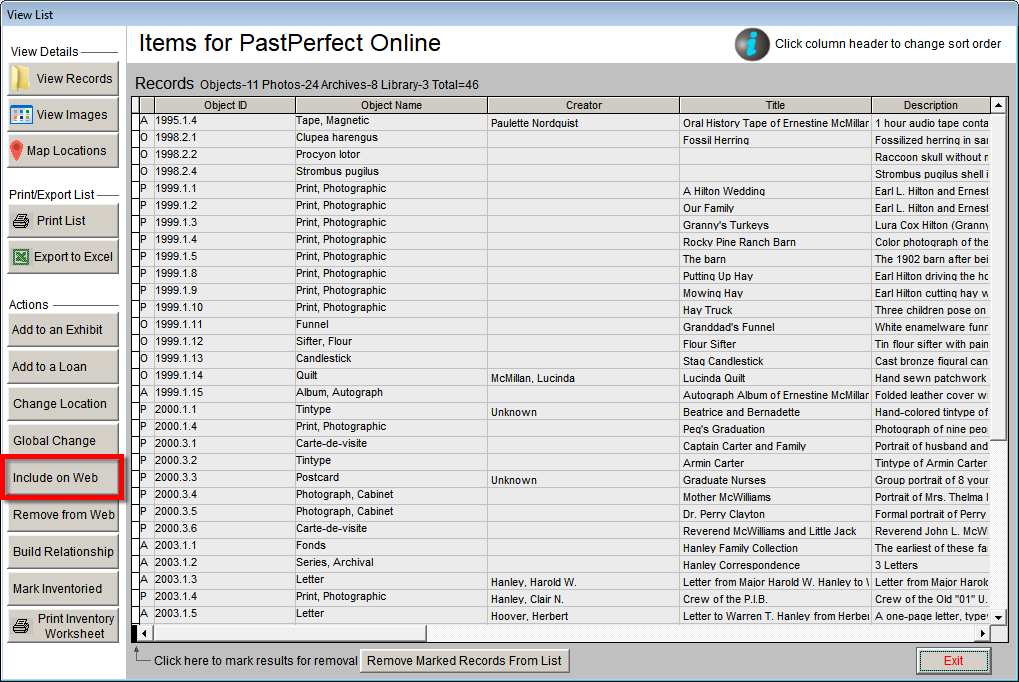
- Click the Include on Web button. This will check the "Include
in Web Export" check box on each of these catalog records. This
also marks all of the images attached to these records for export.
- Click Yes on the PastPerfect Message to confirm the selection
of these records. Then click OK.
References