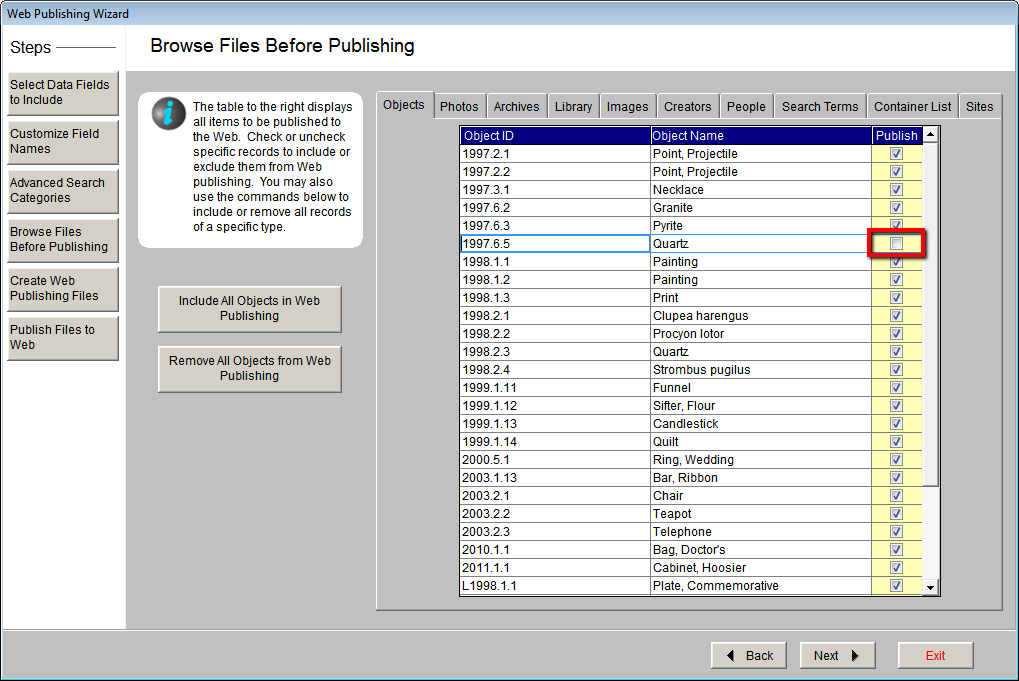
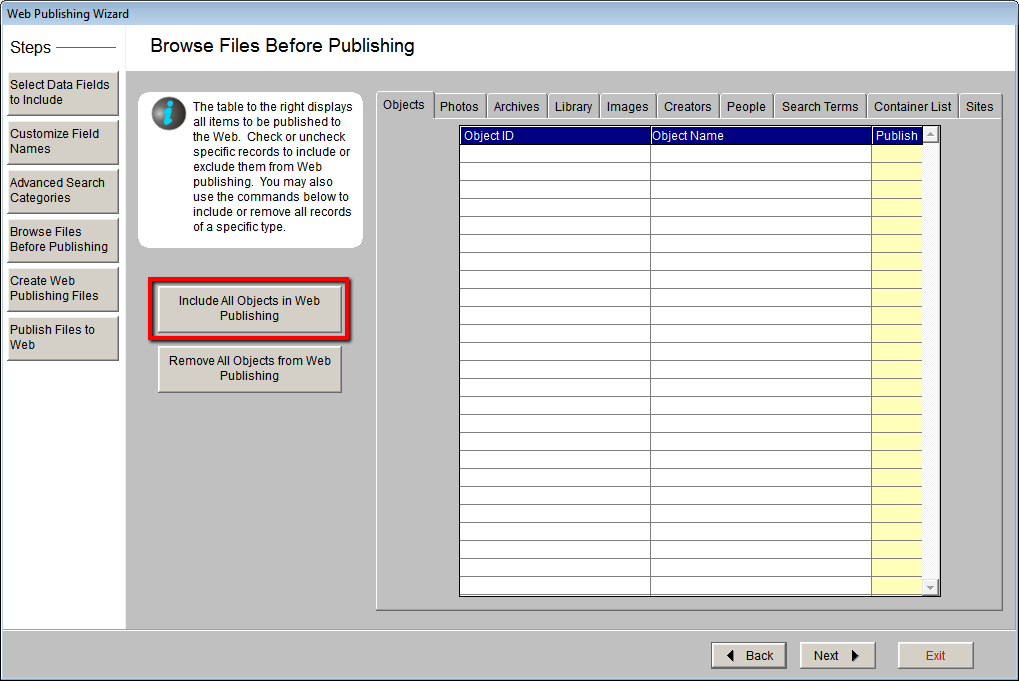
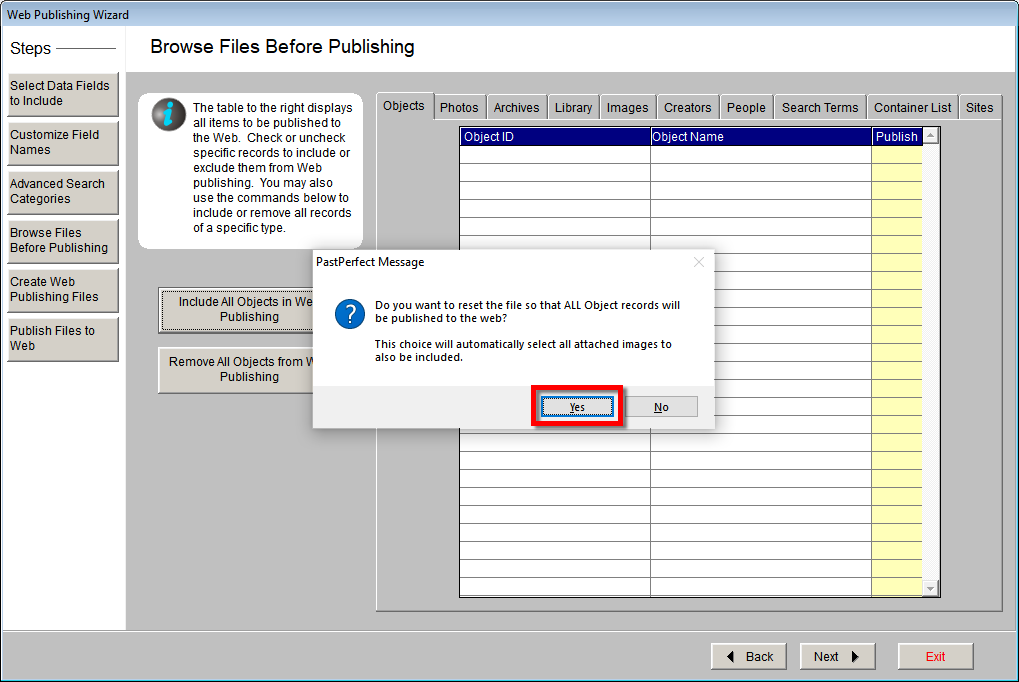
The Browse Files Before Publishing screen allows you to view which records and images have been selected for web publishing. It is intended to be a quick final check of the records that you have decided to upload to your PastPerfect Online site. From this screen you can choose to remove records individually, or use the Remove All button to deselect all records at once. You also have the ability to mark all records of a database for web publishing by using the Include All button. Use of these buttons will override all choices made previously and reset the "Include in Web Export" checkbox. Before using the Include All or Remove All buttons, please make a backup of your data to the hard drive by clicking the "Hard Drive Backup" button on the Main Menu, then click "Backup Data to Hard Drive." This is a precaution in case you need to reverse the changes you made.