Web Publishing Wizard - Publishing Files to the Web
Concept
After files have been created successfully, the final step is to upload
your data and images to the PastPerfect Online servers. This step must
be done on the same workstation where you created files. Upload times
depend largely on the size of your upload and the speed of your internet
connection. Once the upload is complete, it usually takes less than one
hour for your records to appear online.
Task
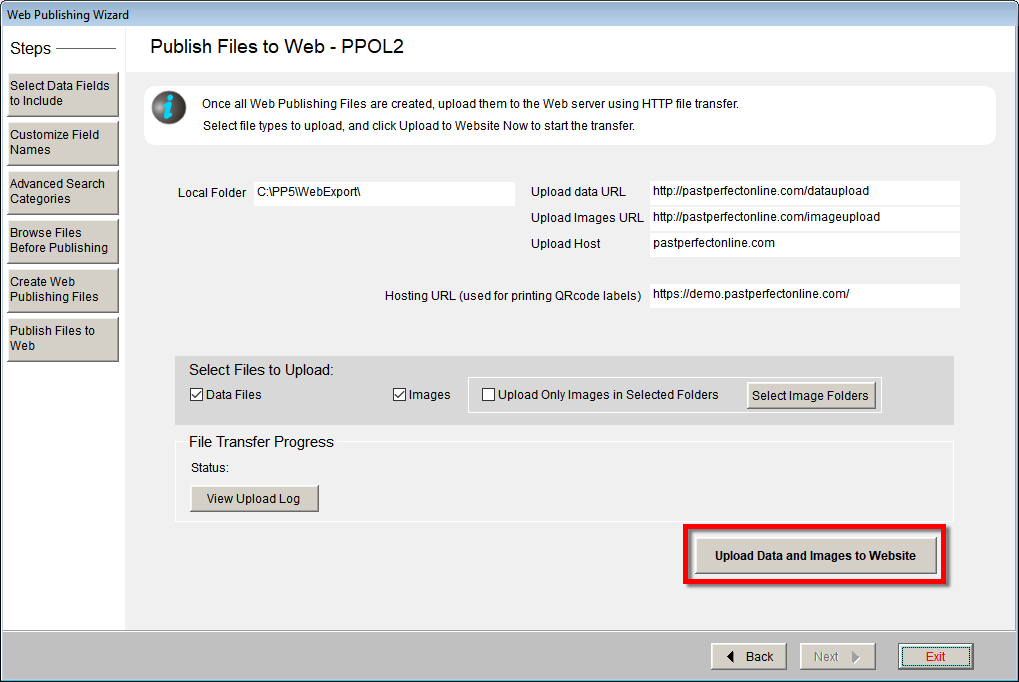
- Click the Publish Files to Web button.
- Click the Upload Data and Images to Website button.
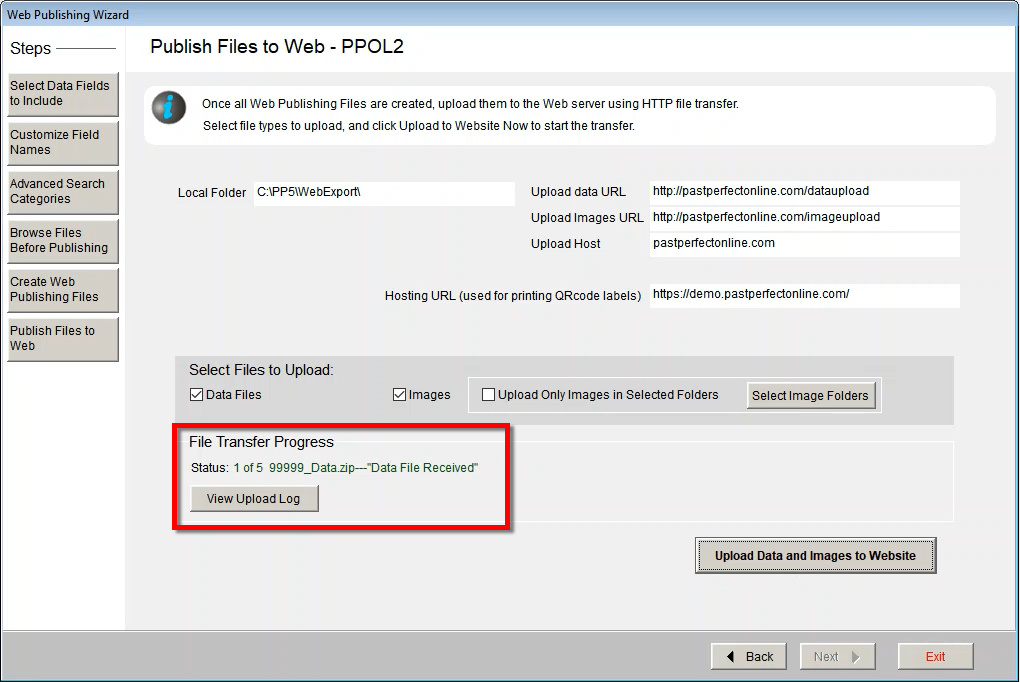
- As files are uploading, you will see the Status change under File
Transfer Progress.
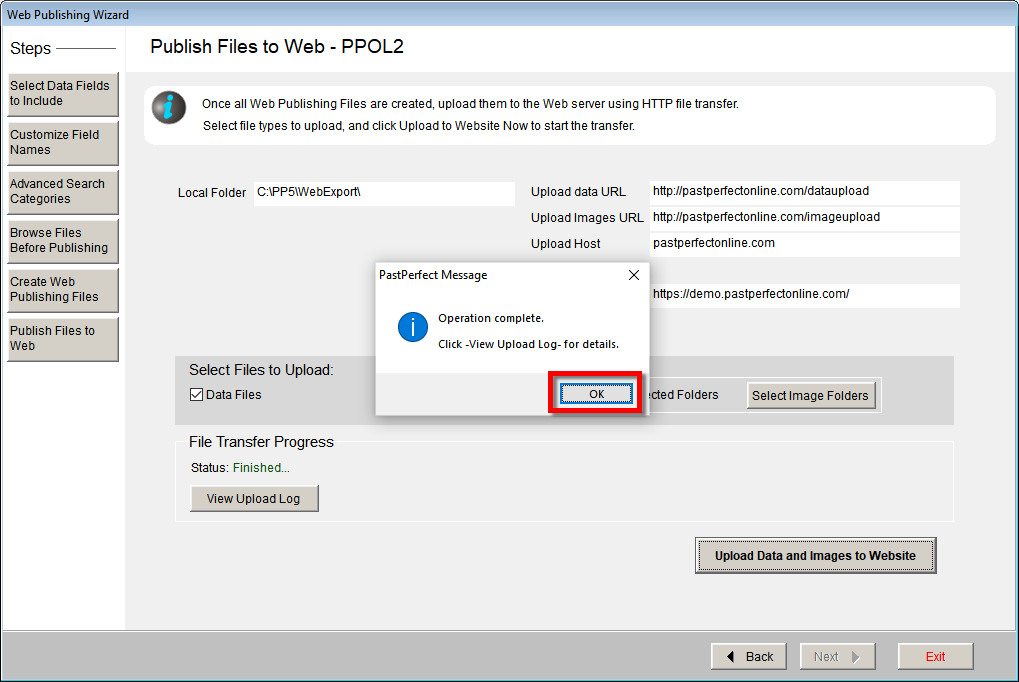
- When the operation is complete, click OK.
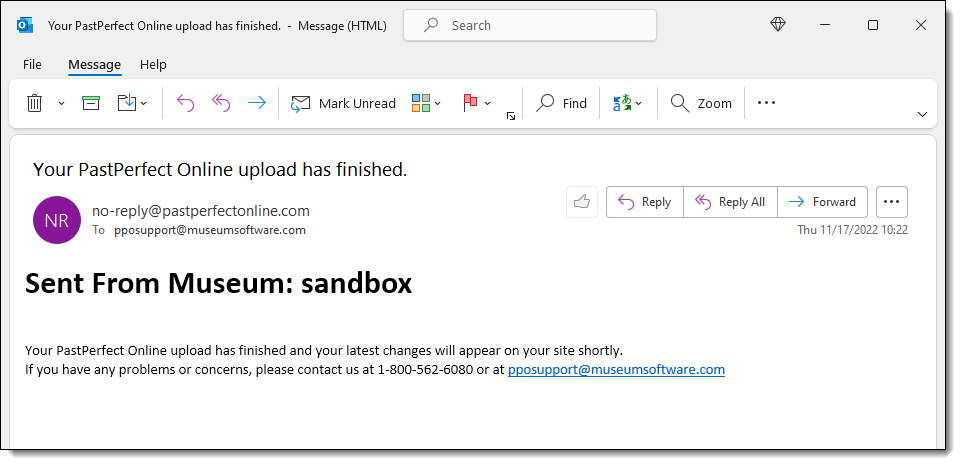
- Shortly after the upload is complete, you will receive an email
from no-reply@pastperfectonline.com letting you know the upload was
successful. Changes to your site are usually visible within the next
hour.
References