Your PastPerfect Online Site's Landing Page
Concept
When visitors come to your PastPerfect Online site they will be greeted
with various ways to explore your collection. They can use the keyword
and advanced searching options to be taken directly to the records that
meet their search criteria. If visitors prefer to simply look through
collections to see what sparks their interest, they can discover collection
records with random images or by browsing through the catalogs.
Your PastPerfect Online site can be customized to match your existing
homepage. You can change colors, fonts, backgrounds, images, text alignment,
and much more. The Advanced Style and Customization section of this User
Guide will explain how to make these modifications.
Task
Getting to your Site
- Open your preferred internet browser.
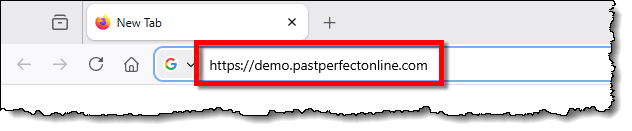
- Locate the address bar at the top of the screen.
- Erase what is currently in the address bar.
- Type in the PPO Site Address from your Welcome Letter.
- Press the Enter key on your keyboard.
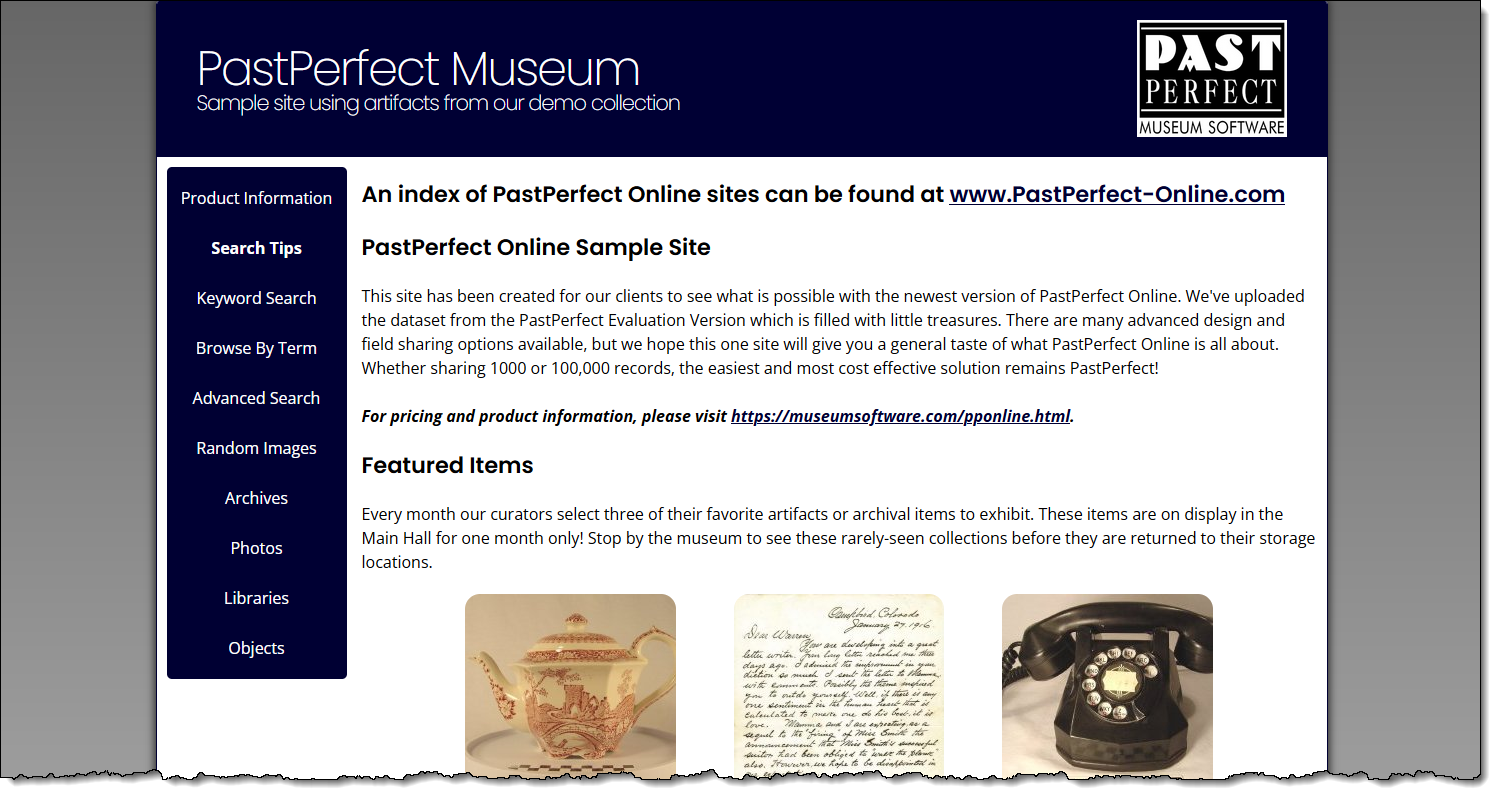
- Use the navigation buttons to explore the different ways to search
the collection.
- Keyword Search allows
you to find items related to a specific word or phrase.
- Browse by Term provides
alphabetical listings of names and terms you can pick from to view associated catalog records.
- Advanced Search gives
you the ability to narrow down your search by multiple criteria.
- Random Images shows
you images of catalog records, allowing you to quickly browse
through items.
- The catalog record buttons (Archives,
Photos, Libraries, and Objects) let you browse items specific
to each catalog.
References