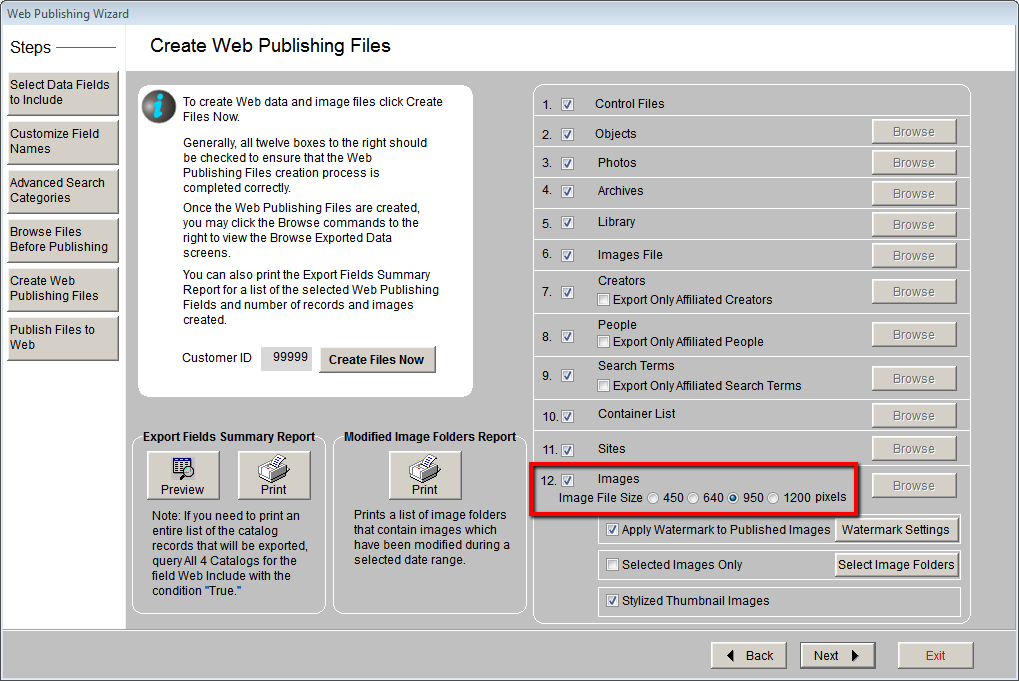
For each image selected for web publishing, the Web Publishing Wizard
creates a thumbnail and a large image. Large images appear in the image
viewer on the Random Images page and on record detail pages. The large
images are resized based on the Image File Size setting on the Create
Web Publishing Files screen. A setting of 450 pixels will reduce the image
size to 450 pixels on the longest side of the image. The higher the setting,
the larger your images can appear on screen. Images that are smaller than
the pixel setting will not be enlarged and will remain at their current
size.