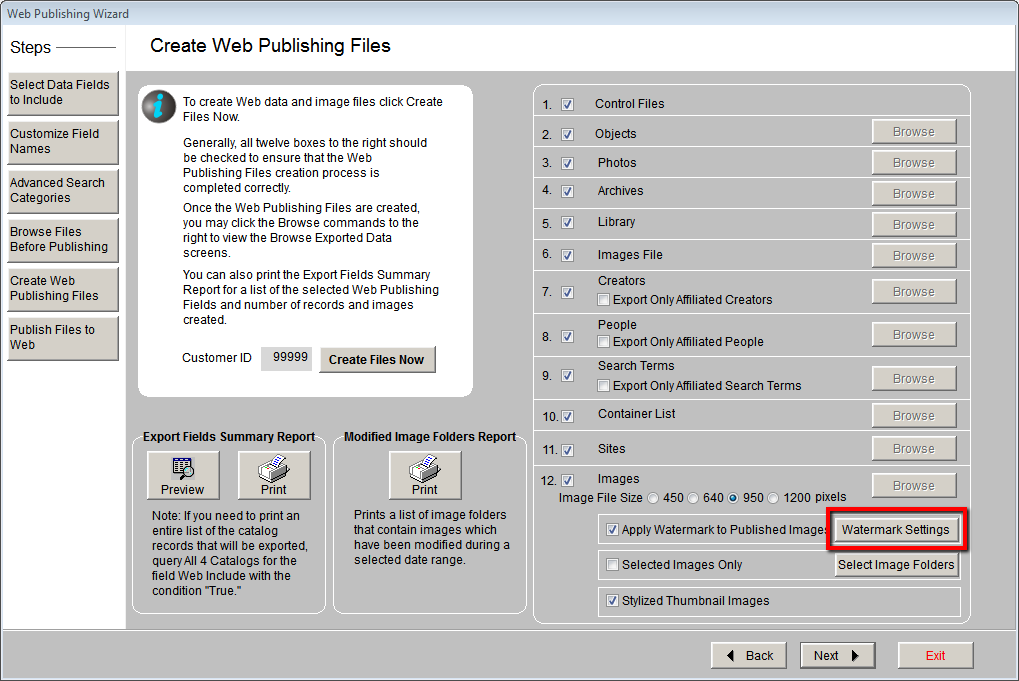
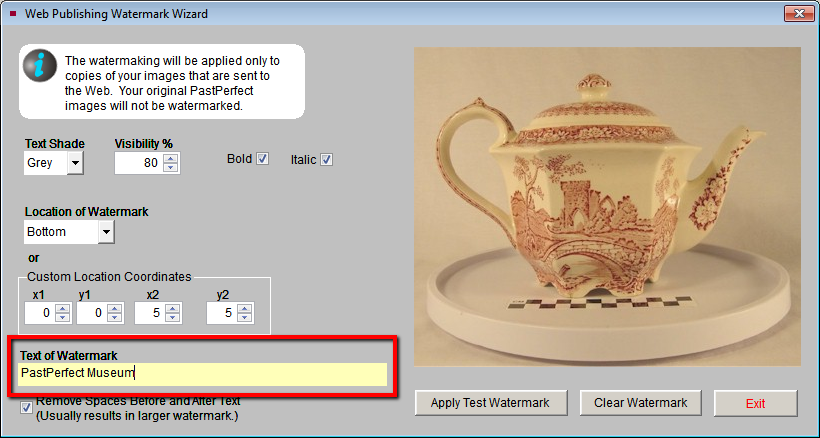
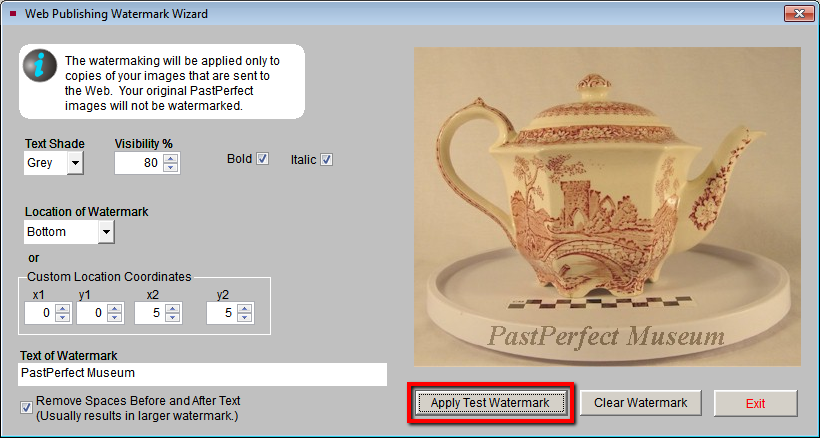
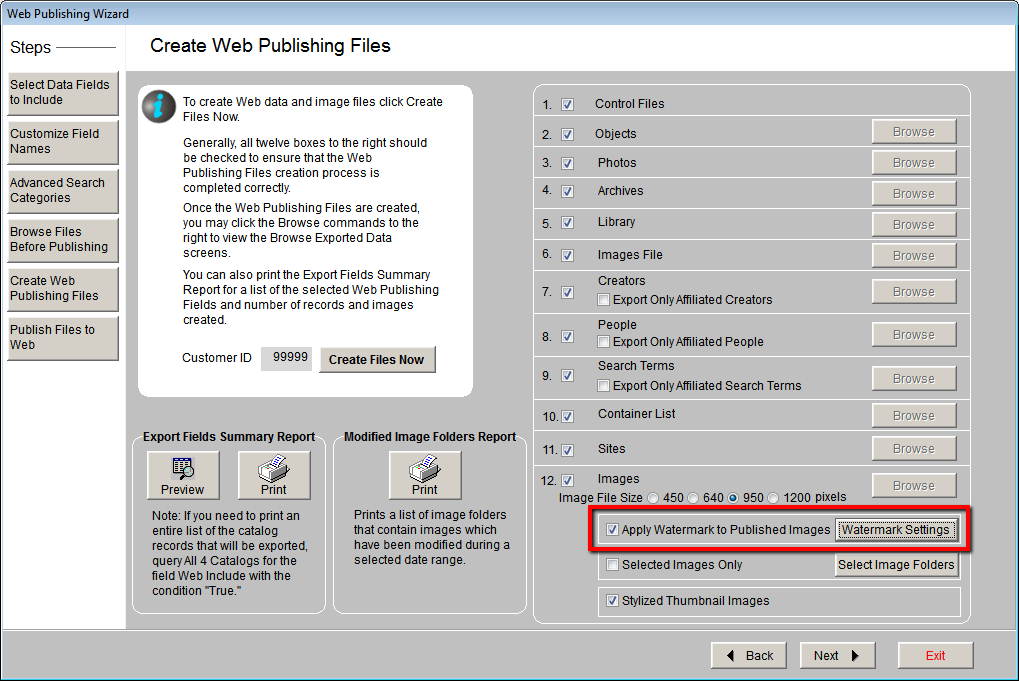

On the Create Web Publishing Files screen, you have the option to apply a text watermark to the large images that are uploaded to your PastPerfect Online site. If your PastPerfect Program Version is 5.0F9 or higher, you have an additional option available to apply this watermark to your thumbnail images as well.
You determine the text, size, and position of the watermark. The original images attached to your PastPerfect records are not affected by this process. Please note, if you already have watermarked images in PastPerfect, applying the PPO watermark will result in a second watermark on those web images.